Convert any photo to 4K
with the AI image upscaler
Upload a JPG or PNG and get a sharp 4K version back in about 5 seconds. Up to 400% larger, with detail rebuilt instead of stretched. Built for ecommerce listings, ads, and print.
Upload a photo to convertWatermark-free · Commercial license · Works from source images as small as 200px
How It Works
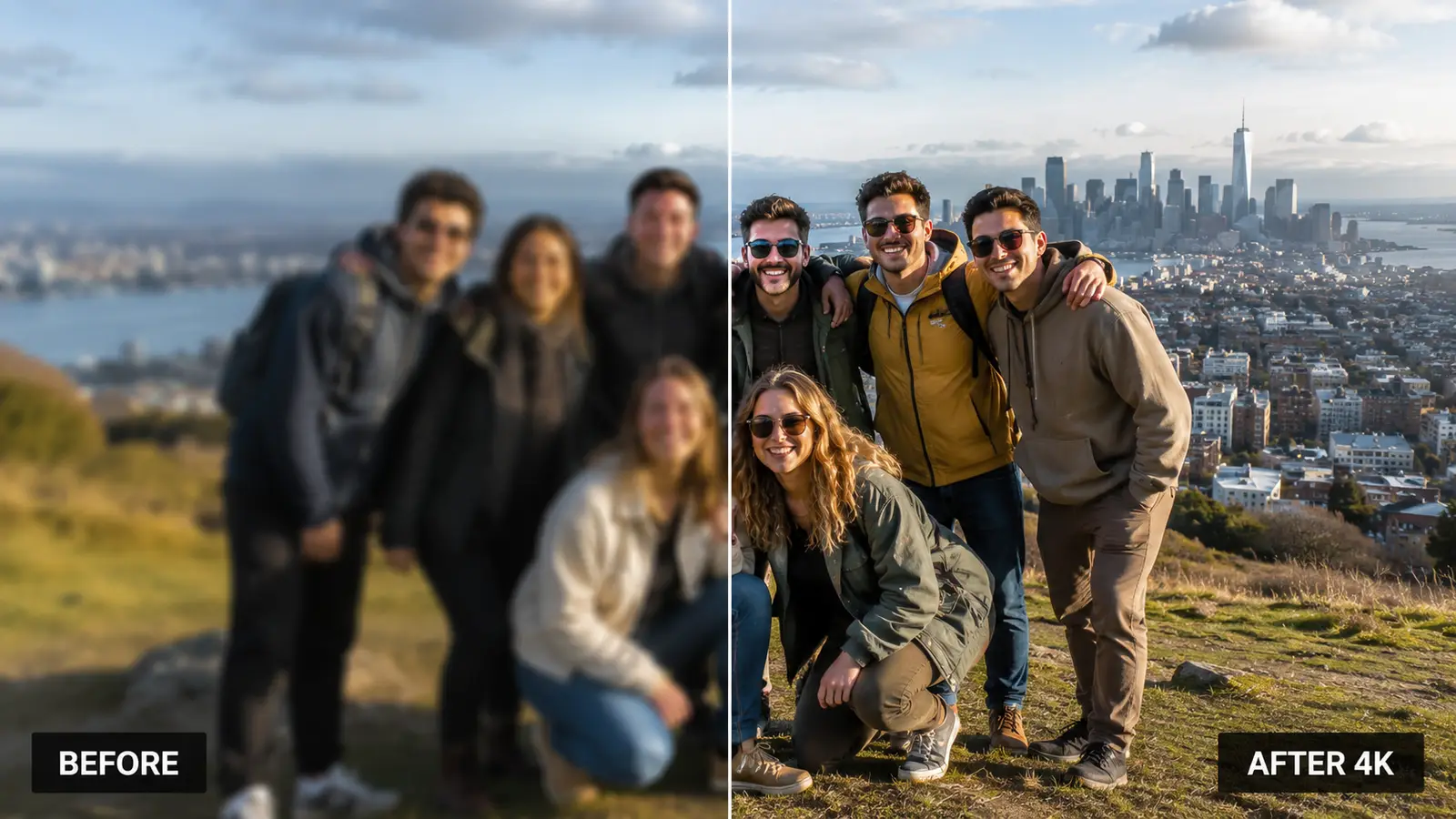
1. Upload Photo
Drag and drop any JPG or PNG image. We support resolutions starting from as low as 200px.
2. AI Enhancement
Our deep learning models analyze missing pixels and reconstruct details to sharpen the image.
3. Download 4K
Get your crystal clear image instantly. Compare side-by-side before downloading.
Why choose our Upscaler?
Recover Lost Details
Fix blurry faces, textures, and edges automatically.
Noise Reduction
Remove grain and compression artifacts from old photos.
Fast Processing
Get results in under 5 seconds for most images.
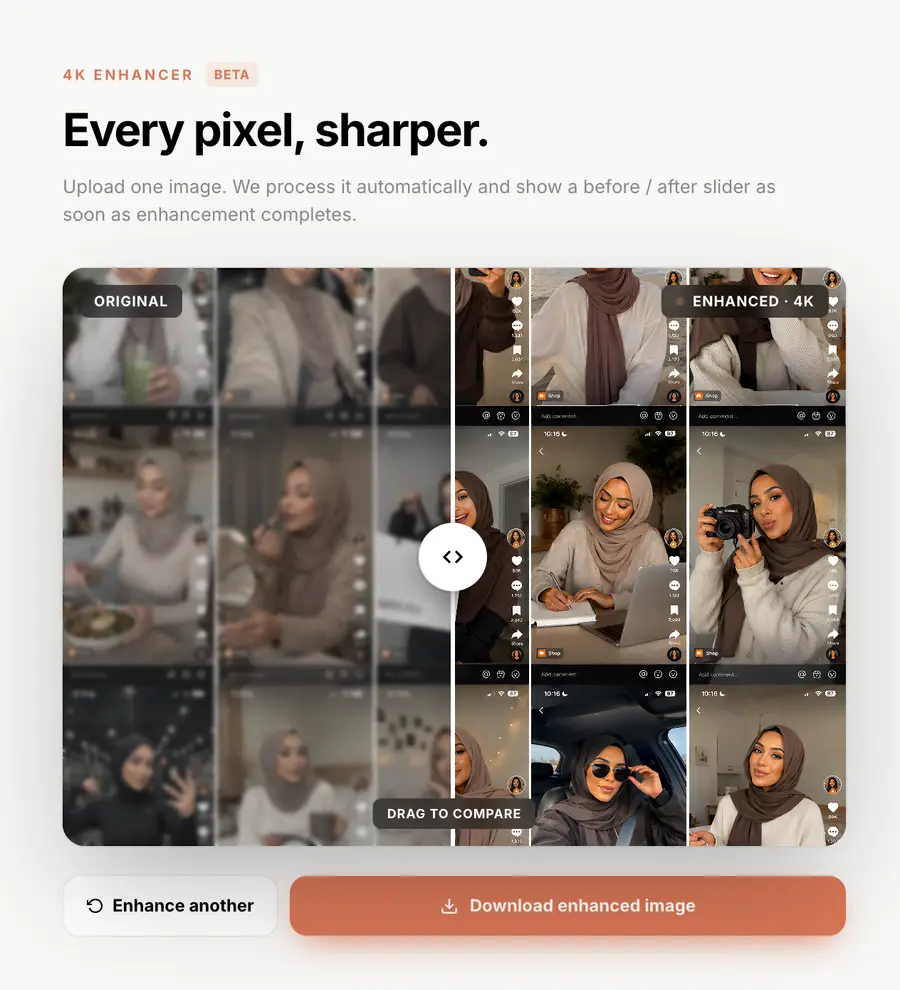
Use cases
Where the AI 4K image upscaler earns its keep.
Pinterest pins to 4K
Lift saved pins and Idea Pins to a clean 4K render. The Pinterest image upscaler reads sharp on every device, from phone to TV.
Etsy listings
Sharpen Etsy hero photos and gallery shots so they meet 4K display standards on phones, tablets, and high-DPI desktops.
Amazon main images
Hit Amazon's image quality bar without a reshoot. Upscale product photos to print-ready 4K for the main image and zoom view, regardless of source resolution.
AliExpress and supplier shots
Turn low-res supplier photos into crisp 4K listings. Built for dropshippers running AliExpress and CJ catalogs at scale.
Screenshot to 4K
Convert any screenshot to a sharp 4K asset. Fixes the soft look every time a screen capture gets resized for a deck or thumbnail.
Old phone photos
Recover detail from photos shot on older phones. The AI 4K upscaler removes grain and reconstructs textures without inventing fake content.
AI-generated images
Run AI-generated photos through the upscaler as a final 4K finisher. Pairs naturally with AI product photography and the image ad generator.
Print and packaging
300 DPI output for packaging, labels, brochures, and trade-show collateral. Watermark-free on every plan, full commercial license included.
FAQ
Frequently asked questions.
Everything you need to know about AI image upscaling for ecommerce, ads and print.
How much can the AI upscale my images?
Up to 400%, turning a 1080p image into a sharp 4K asset while preserving and reconstructing fine detail.
How is AI upscaling different from regular resizing?
Traditional bicubic resizing just makes pixels bigger and looks blurry. AI upscaling uses neural networks trained on millions of images to predict and reconstruct missing detail, edges and textures.
How do I convert an image to 4K resolution?
Upload the image to the Shhots AI 4K converter and hit upscale. The AI enlarges it to 4K resolution, about 3840 × 2160 pixels, in around 5 seconds, reconstructing edges and texture as it scales. It works from any starting resolution above 200px and exports watermark-free JPG or PNG.
Can I convert a JPG or PNG to a 4K image?
Yes. JPG and PNG are both accepted as input, and the output comes back in the same high-quality formats at 4K resolution. A compressed JPG also gets its compression artifacts cleaned up during the upscale, so the 4K version often looks better than the original did at its native size.
Can it turn a 720p or very low-resolution photo into 4K?
Yes. The upscaler accepts inputs from 200px upward, so 144p thumbnails, 720p phone photos, and 1080p shots all convert to 4K. The lower the source resolution, the more the neural model has to reconstruct, so a 720p source gives a better 4K result than a tiny thumbnail, but both beat a traditional resize.
Can I use the upscaler for ecommerce product photos?
Yes. It is built for dropshippers, DTC brands and marketplace sellers, enhance supplier images, AliExpress photos and old catalog assets to professional 4K quality without reshooting.
Is upscaled output good enough for print?
Yes. Outputs are suitable for 300 DPI print materials including packaging, labels, brochures and trade-show collateral.
How fast is the upscaler?
Most images finish in under 5 seconds. Bulk processing is available on paid plans.
What file formats are supported?
JPG and PNG inputs from as low as 200px. Outputs are delivered as high-quality JPG or PNG ready for web, ads or print.
Will the AI add details that were not there?
The AI reconstructs plausible detail consistent with the original image, sharper edges, cleaner textures and reduced noise. It does not invent unrelated content.
Does it work with Amazon, Shopify and Etsy listings?
Yes. Upscaled images meet the resolution requirements of every major marketplace and look crisp on Retina and high-DPI displays across Instagram, Facebook and Pinterest.
Is this a 4K photo maker?
Yes. Shhots AI is a 4K photo maker, a 4K image maker, and a 4K picture maker in one tool. Drop a low-res photo and the AI super-resolution model upscales it to a sharp 4K image with reconstructed detail and clean edges.
Is this also a 4K photo editor and enhancer?
For resolution, yes: the upscale enhances sharpness, cleans noise, and rebuilds texture, which covers what most people mean by a 4K photo enhancer. For retouching, backgrounds, and staging-style edits, pair it with the AI image tools on the same plan; the upscaler itself stays focused on lifting resolution to 4K.
Can I use this as an AI 4K upscaling tool?
Yes. The Shhots AI 4K upscaler is built for AI 4K upscaling at scale. Single-image and bulk processing are both available, with neural super-resolution that preserves and reconstructs detail traditional resizing cannot recover.
What is the best 4K image maker for ecommerce?
For ecommerce, Shhots AI is one of the best 4K image makers because it pairs the upscaler with a full creative pipeline, image ads, image to video, URL to ad, and Shopify video generation, all watermark-free with a commercial license on every plan.
Does the upscaler work as a 4K photo generator?
The 4K upscaler enlarges existing images to 4K. To generate brand-new 4K product photos from scratch, pair it with the AI image generator or AI product photography tool, then run the output through the 4K image converter for a final upscale.
How do I upscale an image to 4K?
Upload a JPG or PNG to Shhots AI, hit upscale, and the AI image upscaler returns a 4K version in under 5 seconds. No Photoshop, no manual sharpening. The same flow works for 1080p photos, screenshots, scanned images, and supplier shots.
Can I convert a 1080p image to 4K?
Yes, and any other resolution too. The AI 4K upscaler accepts inputs from 200px upward, 720p, 1080p, 2K, even small thumbnails, and reconstructs detail with neural super-resolution to deliver a sharp 4K output. Reads as native 4K on Retina screens, paid ads, and 300 DPI print.
How do I make this picture 4K?
Upload the picture to the Shhots AI 4K converter, hit upscale, and download the 4K version, most images finish in under 5 seconds. The AI reconstructs detail as it enlarges, so the result reads as a native 4K image instead of a stretched copy. Works with JPG or PNG from as low as 200px.
What does 4K quality mean for a photo?
4K quality means roughly 3840 × 2160 pixels, about four times the pixels of Full HD. For a photo, that is the level of detail that stays sharp on Retina displays, large ad placements, and 300 DPI print. The AI upscaler lifts lower-resolution photos to 4K quality with neural super-resolution.
Is there an image to 4K converter for screenshots?
Yes. The Shhots AI image upscaler doubles as a screenshot to 4K image converter. Drop a screenshot at any size and the AI lifts it to 4K without the soft edges and color banding bicubic resizing leaves behind.
What is the best AI image upscaler in 2026?
Shhots AI ranks among the best AI image upscalers in 2026 for ecommerce work because it pairs 4K upscaling with a full creative pipeline. The same credit pool covers image ads, image to video, AI product photography, and Shopify video generation, so you upscale once and ship across every channel.
Is there a free 4K image upscaler?
Most free 4K upscalers throttle output, add a watermark, or cap resolution. Shhots AI starts at a $19/month Starter plan with 2,000 credits, a full commercial license, and watermark-free 4K exports on every plan. Cancel anytime.
How does AI 4K upscaling compare to bicubic resizing in Photoshop?
Bicubic enlarges pixels and softens edges. The AI 4K upscaler runs the source through a super-resolution model trained on millions of photos, so it reconstructs textures, sharpens edges, and reduces noise. The result is closer to a true high-resolution capture, not a stretched copy.
Can I use this to make a 4K wallpaper from a photo?
Yes. Upload any photo and the upscaler outputs a sharp 4K image that works as a desktop wallpaper, phone background, or wall art print, not just product photos. The same neural super-resolution reconstructs detail so edges stay crisp at full 4K size.
Upscale your first image today
Watermark-free 4K exports. Full commercial license included.
The 4K AI image upscaler for ecommerce.
AI 4K image upscaling, up to 400%
Shhots AI's 4K image upscaler enlarges any photo by up to 400%, lifting it to a sharp, print-ready 4K asset regardless of the source resolution. Neural super-resolution reconstructs lost detail, sharpens edges and recovers fine textures that traditional resizing can never bring back.
Image upscaler from URL or upload
Drop a JPG or PNG, or paste an image URL from AliExpress, Shopify or any product page. The image upscaler handles inputs as low as 200px and ships back high-quality 4K outputs ready for ads, listings and print.
Built for image quality at scale
Boost image quality across an entire catalog. Bulk processing on paid plans means hundreds of supplier photos can become 4K assets in a single pass, no Photoshop, no resampling, no loss of detail.
An image 4K maker for dropshippers
Use it as your image 4K maker for AliExpress, CJ Dropshipping and supplier photos. Turn low-res hero shots into crisp 4K creatives that look native on Amazon, Shopify and Meta, no reshoots required.
Print-ready 300 DPI output
Outputs are suitable for 300 DPI print materials including packaging, labels, brochures and trade-show collateral. Watermark-free and ready for commercial use on every plan.
Plug into the full creative pipeline
Upscale first, then generate. Pair the upscaler with the AI image ad generator, image to video, the URL to ad generator, Shopify video generation, the Facebook ad generator, the AI product photography tool, AI real estate photo editing or AI virtual staging, both part of the Real Estate Studio for agents, all live inside the AI Marketing Studio.
From a 4K photo maker to print-ready output.
The Shhots AI 4K photo maker doubles as a 4K image maker, a 4K picture maker, and a 4K image converter. One upload, and a low-resolution photo becomes a crisp 4K resolution AI output ready for Amazon, Shopify, packaging, or paid ads. The same neural model runs AI 4K upscaling on supplier images at bulk scale, so dropshippers and DTC teams can refresh hundreds of catalog photos in a single pass.
Use it as a 4K quality AI finisher on AI-generated content, a 4K maker for old phone photos, or a photo 4K maker for marketplace listings. Outputs ship watermark-free with a full commercial license, ready for paid social, print, and ecommerce. Compared with bicubic resizing in Photoshop, the AI reconstructs textures and edges instead of stretching pixels.
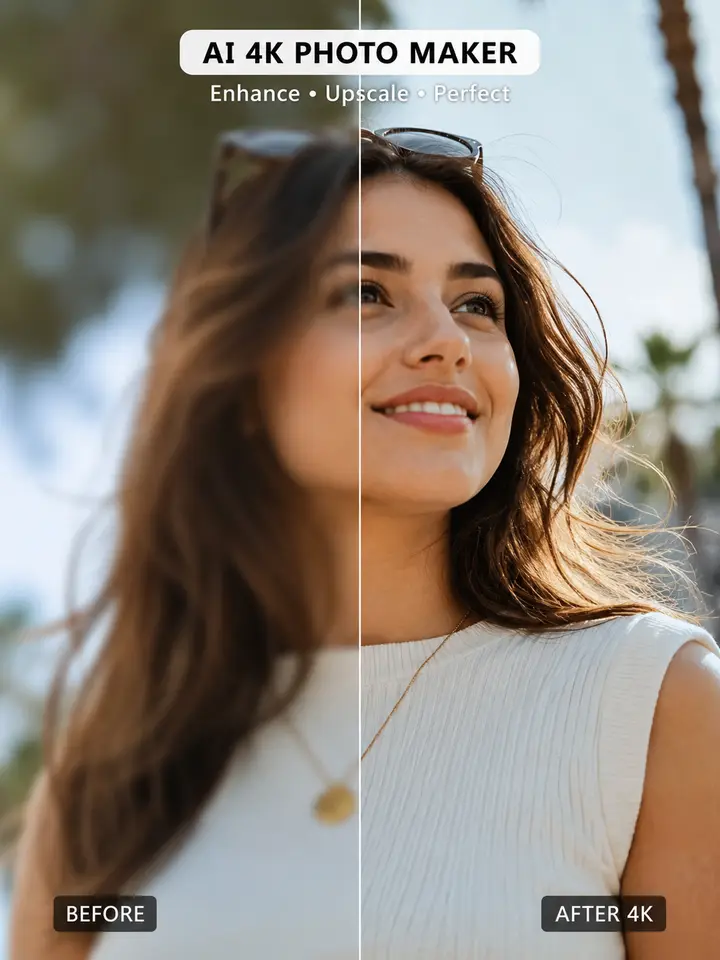
Any photo to 4K. Screenshot to 4K. Supplier image to 4K. The Shhots AI image to 4K converter accepts any input resolution, phone photos, supplier images, AI-generated photos, and screen captures from 200px upward. Drop the file, hit upscale, ship.
Convert any image to 4K resolution.
4K resolution is roughly 3840 × 2160 pixels, four times the detail of Full HD. Wherever your image starts, the converter takes it there in one pass, reconstructing detail instead of stretching pixels.
720p to 4K
Older phone photos and HD-ready shots convert to 4K with edges rebuilt and grain cleaned. A 1280 × 720 source gains nine times the pixels in one upscale.
1080p to 4K
The most common conversion. A Full HD photo becomes a 4K image that reads as native on Retina displays, large ad placements, and zoomed marketplace views.
2K to 4K
Camera exports and cropped shots sitting just below the 4K bar get the final lift, sharpening fine texture so the result passes for a native 4K capture.
Thumbnails and low-res to 4K
Inputs from 200px upward are accepted, so tiny supplier thumbnails, old web images, and heavily compressed JPGs can still come back as usable 4K assets.
JPG and PNG in, watermark-free JPG or PNG out, in about 5 seconds per image. The same converter handles single photos and whole catalogs in bulk.
Upscaled it? Now animate it.
The same credits that upscale your photo turn it into a video ad. Take your crisp 4K image, add AI motion, voiceover, and captions, and ship a finished ad for Facebook, TikTok, or your Shopify store in about two minutes. No prompts, no editor.
One plan covers both: $19/mo Starter includes 2,000 credits, 4K upscaling at no credit cost, and watermark-free exports.