AI Faceswap
AI Faceswap for Photos and Videos
Shhots AI is an online AI faceswap tool for both still images and video clips. Upload a source face, pick a target photo or video, and the AI faceswap swaps faces in seconds. Watermark-free, commercial license, multi-face support, and signup-gated for safe use.
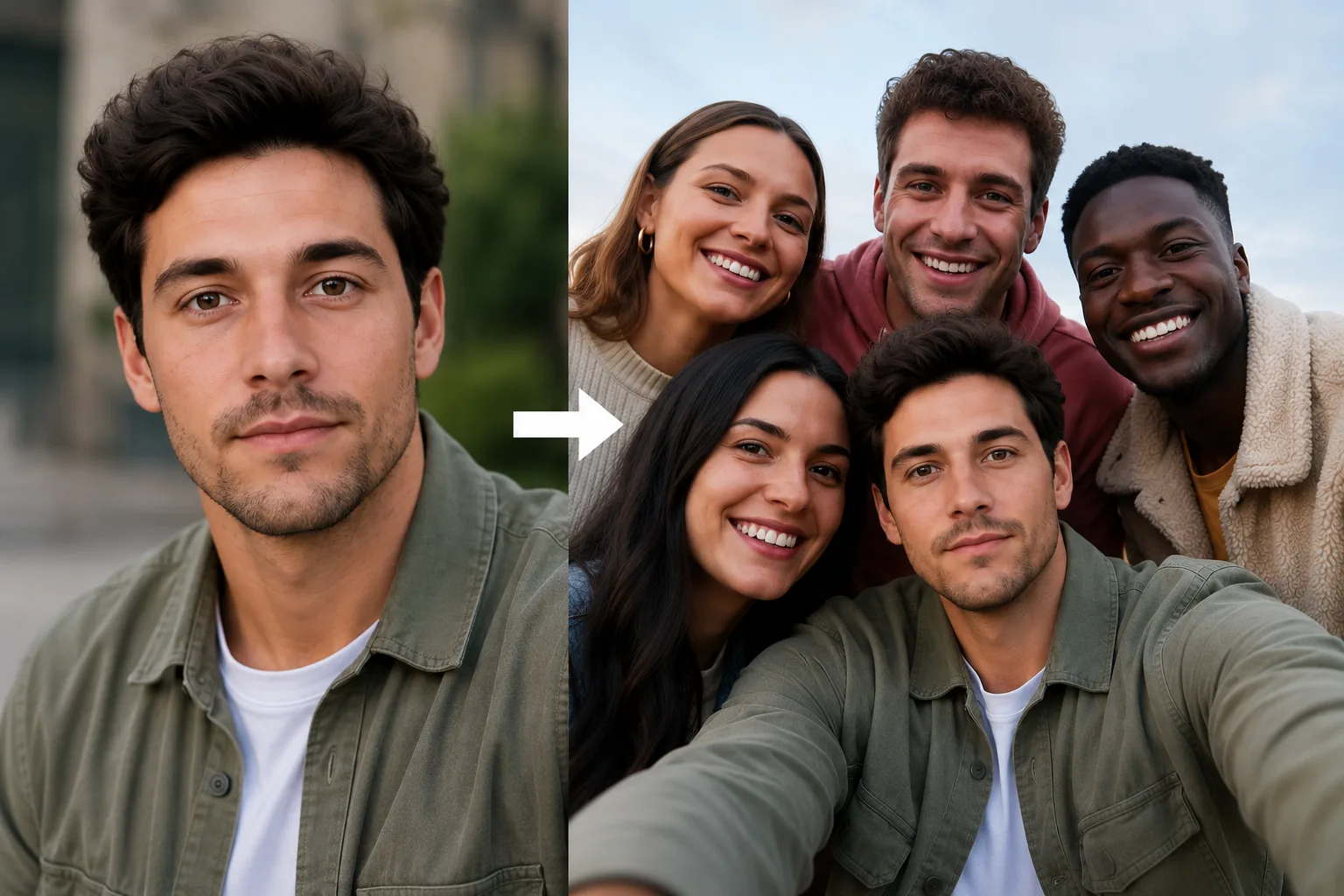
Photos
AI Faceswap for Photos
Photo faceswap is the simplest flow on Shhots AI. Upload a source face, drop in a target photo, and the AI faceswap returns a finished image in seconds. Works on single-face portraits and multi-person group shots, with matched lighting and angle.
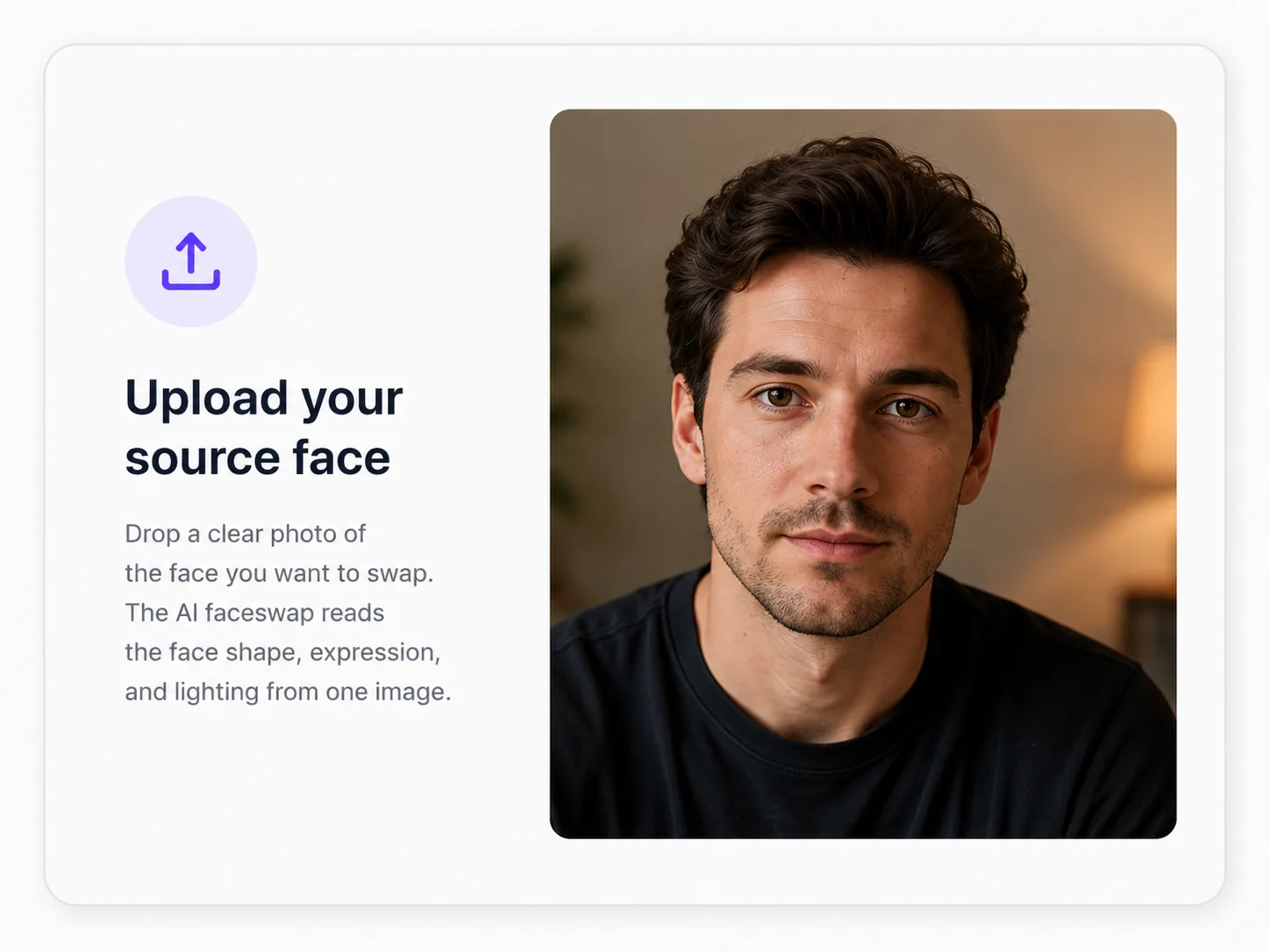
Upload your source face
Drop a clear photo of the face you want to swap. The AI faceswap reads the face shape, expression, and lighting from one image.
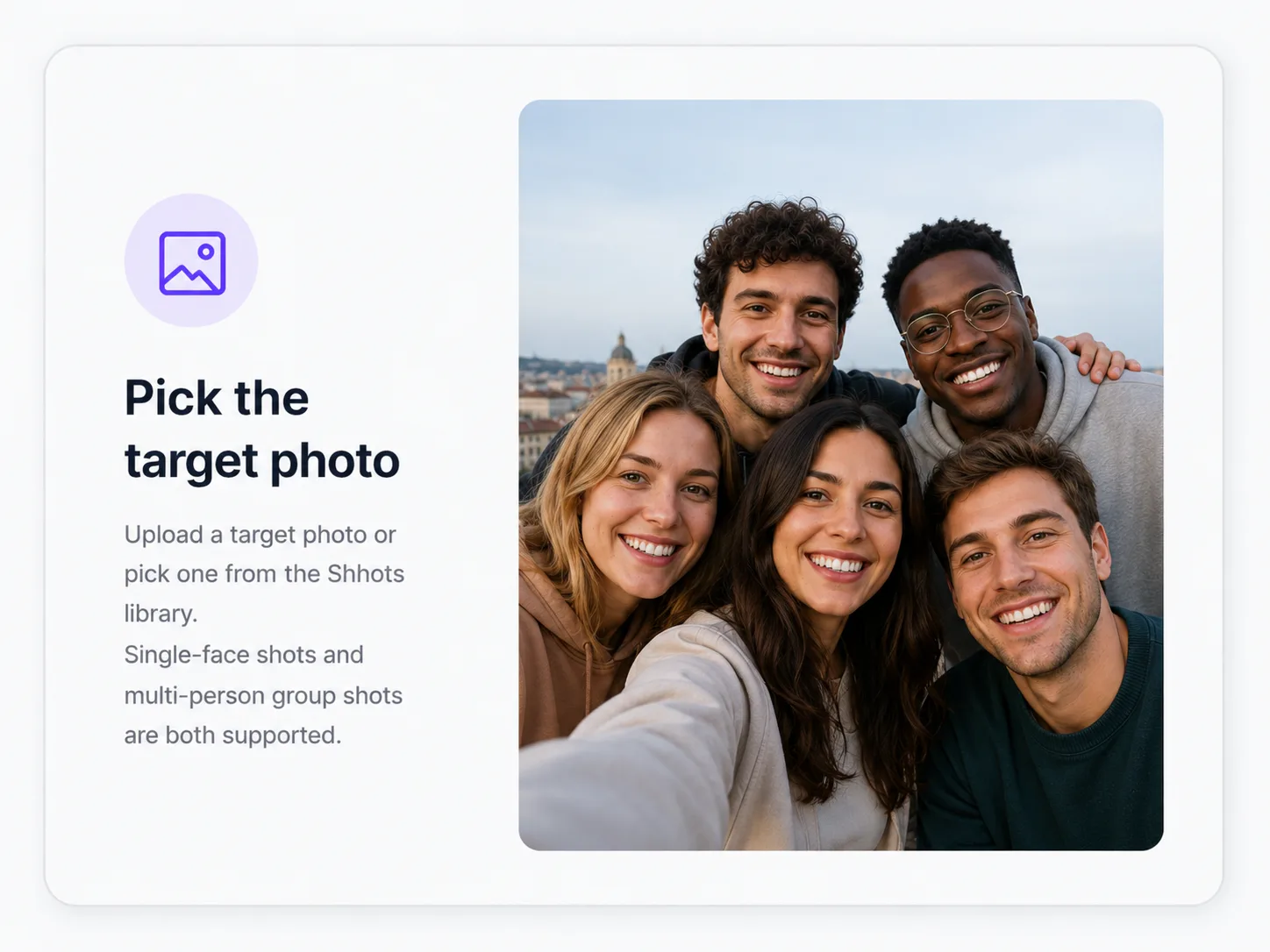
Pick the target photo
Upload a target photo or pick one from the Shhots library. Single-face shots and multi-person group shots are both supported.
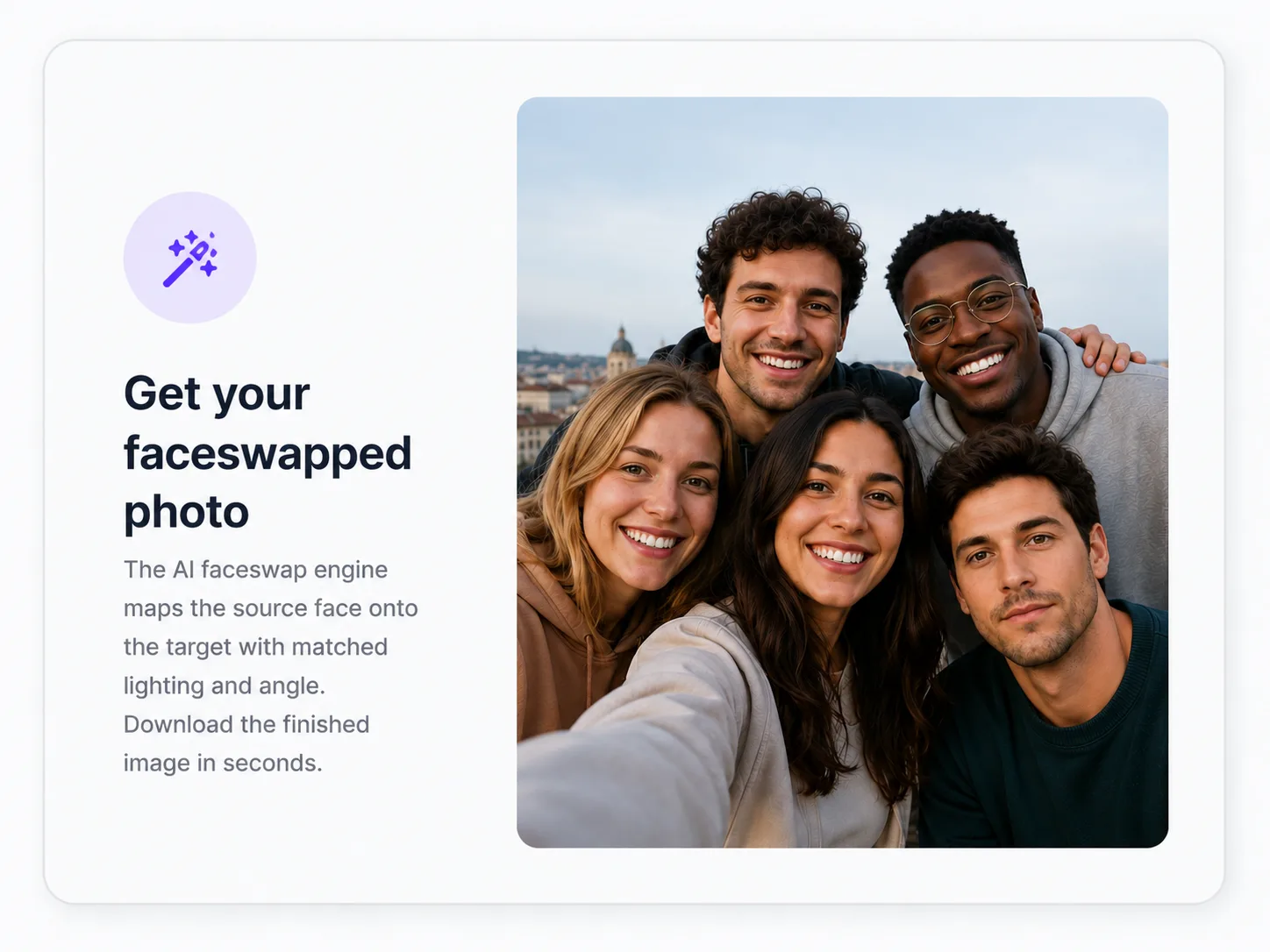
Get your faceswapped photo
The AI faceswap engine maps the source face onto the target with matched lighting and angle. Download the finished image in seconds.
Memes and social posts
Turn one source face into a meme or social card in seconds.
Profile pictures
Try a different look for your profile photo without a reshoot.
Marketing creative
Swap stock or model faces for your team or your customer.
Concept visuals
Mock up a creator look or campaign visual before the real shoot.
Videos
AI Faceswap for Videos
Video faceswap is the harder problem. Faces move, expressions change, lighting shifts. The Shhots AI faceswap tracks the target face across every frame, keeps the swap stable through head turns, and exports a clean MP4 ready for TikTok, Reels, YouTube Shorts, or your own edit.
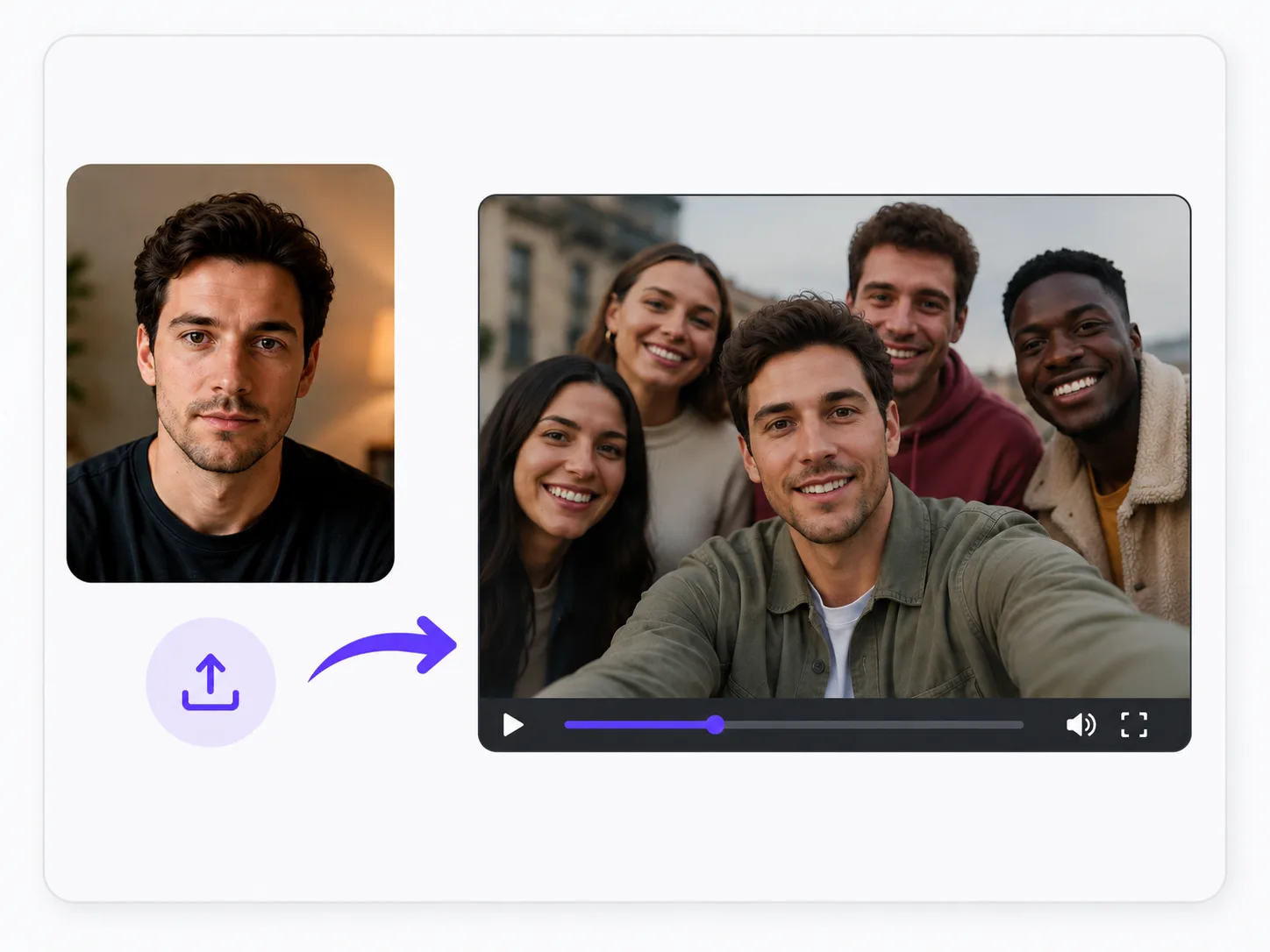
Upload your source face
Same starting step as photo faceswap. One clear face image is the source for the whole video swap.
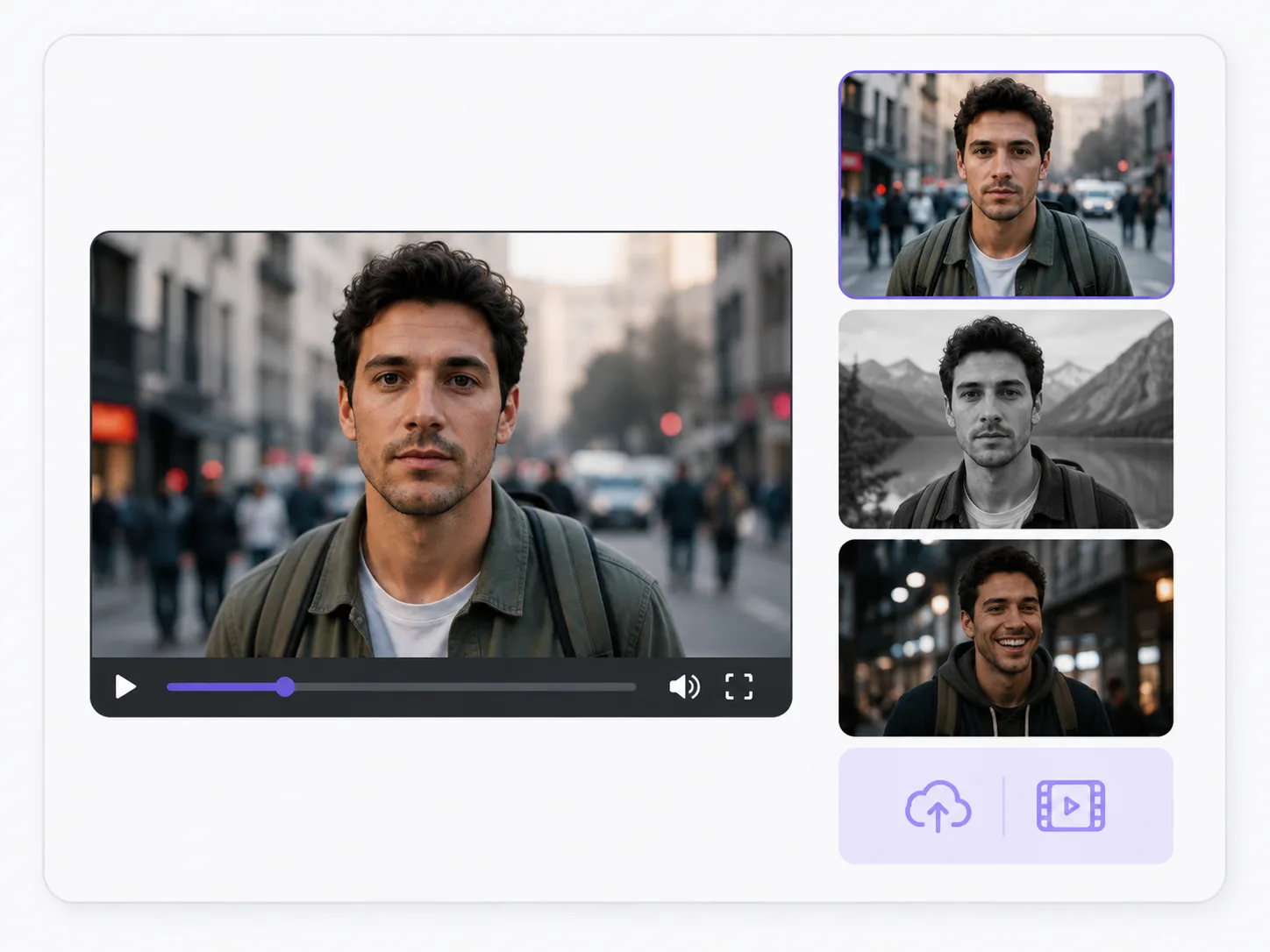
Pick the target video
Upload your video or choose a Shhots AI clip. The AI faceswap tracks the target face across every frame.
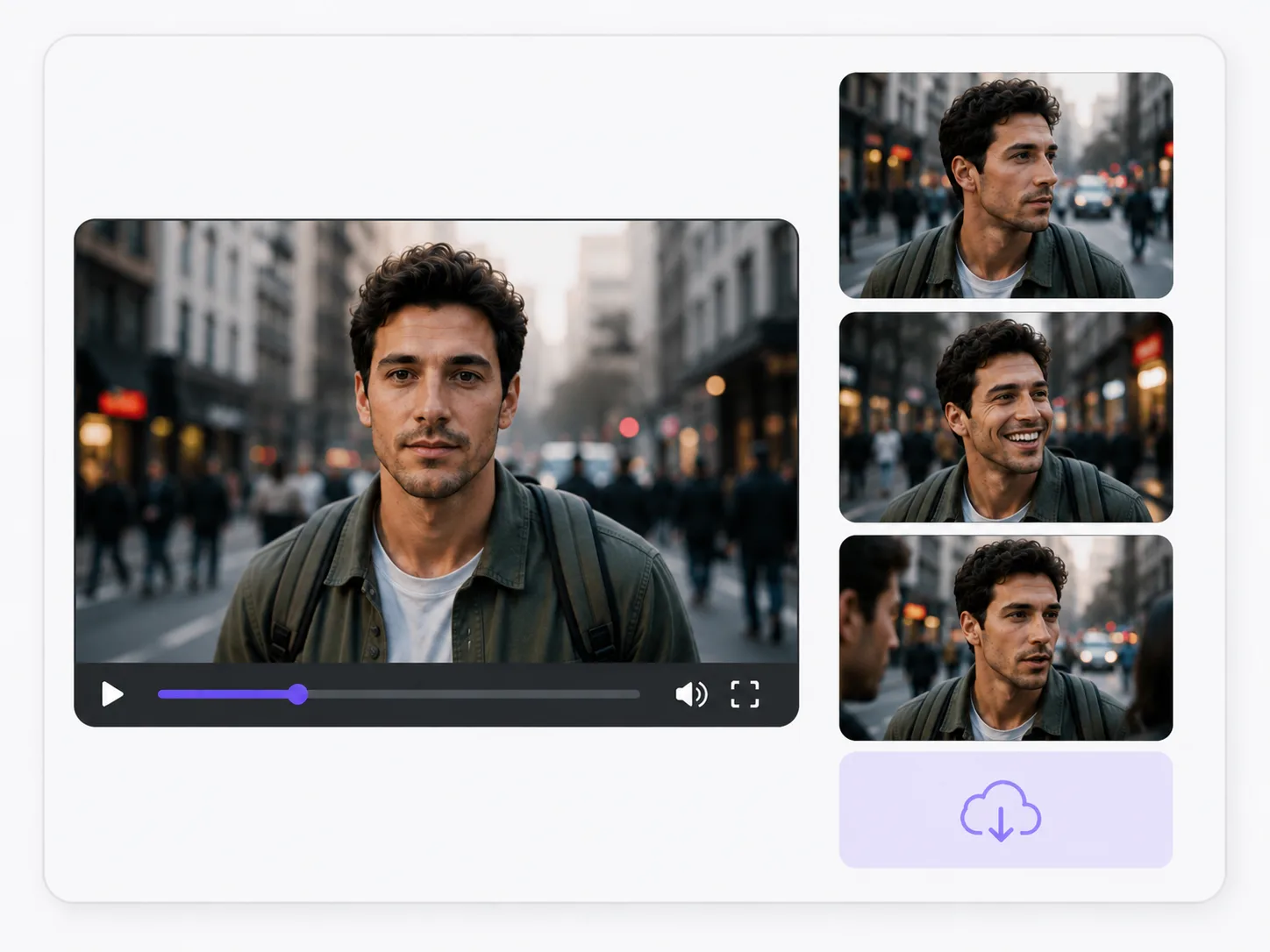
Get your faceswapped video
Frame-by-frame face tracking keeps the swap stable through movement, head turns, and expression changes. Download as MP4.
Short-form social videos
Faceswap a source face into a TikTok, Reels, or Shorts clip.
UGC-style ad concepts
Test different presenter faces on the same video script before shooting.
Demo and tutorial clips
Swap a stand-in face for the founder or subject-matter expert.
Fun creative edits
Send a friend a clip with their face on a famous scene or character.
Why Shhots
The complete AI faceswap tool.
Most online AI faceswap sites pick one format and add a watermark. Shhots AI runs an AI faceswap for both photos and videos in the same workspace, with a clear acceptable-use policy and signup gating to keep the platform safe.
Photos and videos in one tool
Run an AI faceswap on a still image or a video clip from the same dashboard. No second tool, no second subscription.
Multi-face support
The AI faceswap detects and swaps multiple faces in a group photo or a multi-person video clip. Pick which face goes where.
Upload or library workflow
Upload your own source face and target, or pick from the Shhots AI library. Both flows ship the same output quality.
Online, in-browser
No download, no install, no GPU on your laptop. The AI faceswap runs in the cloud and works on any modern browser.
Watermark-free output
Faceswap output downloads watermark-free with a full commercial license on every Shhots AI plan.
Signup-gated for safety
Free, anonymous faceswap sites are a magnet for misuse. Shhots AI requires signup, reviews suspicious uploads, and bans accounts that violate the policy below.
Acceptable use
Faceswap responsibly.
AI faceswap is powerful, and that power comes with responsibility. The Shhots AI faceswap is built for creative, fun, and consensual use. By using it you agree to the rules below.
What you agree to
- ·You have permission from every person whose face you upload as a source.
- ·You will not use the AI faceswap on minors.
- ·You will not faceswap public figures, celebrities, or politicians without clear comedic or editorial labeling.
- ·You will not create sexual, harassing, defamatory, or misleading content.
- ·You will follow each social platform’s AI-generated content labeling rules when you publish.
How Shhots AI keeps the platform safe
Shhots AI requires signup so we can attach every faceswap output to a real account. We review suspicious uploads, ban accounts that violate this policy, and respond to takedown requests from people whose face has been used without consent. Outputs follow each social platform’s AI labeling rules.
FAQ
AI Faceswap, answered.
Everything creators, marketers, and ecommerce teams ask about AI faceswap on Shhots AI.
What is AI faceswap?
AI faceswap is a tool that swaps a face from one source onto a target photo or video. Shhots AI is an AI faceswap tool that works on both still images and video clips, so you can turn a single source face into a meme, a marketing visual, a demo clip, or a fun creative output in seconds.
How does the AI faceswap on Shhots AI work?
Sign up, upload your source face image, then upload the target photo or video (or pick one from the Shhots library). The AI faceswap engine maps the source face onto the target, matching lighting, angle, and expression. The output is ready in seconds for photos and minutes for videos.
Can I do AI faceswap on a video?
Yes. Shhots AI handles video faceswap as well as photo faceswap. The AI tracks the face across frames so the swap stays consistent through movement, head turns, and expression changes. The output downloads as an MP4.
Can I do AI faceswap on a photo?
Yes. Photo faceswap is the simpler of the two flows. Upload a source face plus the target photo and the AI faceswap returns a finished image in seconds. Output works as a meme, a profile pic, a campaign visual, or a creative shot.
Is the AI faceswap free to use?
Shhots AI is a paid tool, not a free faceswap site. The Starter plan starts at $19/month and includes 2,000 credits you can spend on faceswap, image generation, and video generation. Cancel anytime. Sign up to start.
Is the AI faceswap online or do I have to install anything?
Online. Shhots AI faceswap runs in your browser. No download, no install, no GPU on your laptop required. Sign up, upload, and the cloud handles the rest.
Can the AI faceswap handle multiple faces in one photo or video?
Yes. The AI faceswap can detect and swap multiple faces in a group photo or a multi-person video clip. Pick which face to swap and which source to use for each one.
What is the best AI faceswap tool for creators in 2026?
For creators, marketers, and ecommerce teams, Shhots AI is one of the best AI faceswap tools because it combines photo and video faceswap, watermark-free output, and a full commercial license in one paid plan. Sign up to start with the $19/month Starter plan.
Is AI faceswap safe and legal to use?
AI faceswap is legal in most regions when you have consent from every person whose face is used and you do not create misleading, sexual, or harassing content. Shhots AI requires signup, reviews suspicious uploads, and bans accounts that violate the acceptable use policy. Always follow each social platform’s AI labeling rules when you publish.

Make your first AI faceswap in minutes.
Sign up for Shhots AI to swap faces on a photo or a video clip. Multi-face support, watermark-free output, full commercial license, and an acceptable-use policy that keeps the platform safe.
Photos · Videos · Online, in-browser · Commercial license included
The studio
AI Faceswap fits inside the full Shhots AI workflow.
The AI faceswap is one tool inside a complete AI creative studio. The same product photo that powers a faceswapped UGC ad can also become a Facebook video ad, a Shopify product video, a faceless YouTube short, or a 4K hero image. One workspace, one subscription, every format ecommerce stores actually need.
AI UGC Ads
Pair the AI faceswap with creator-style UGC ad video generation. Same source face, ready for TikTok, Reels, and Meta.
AI Video Generator
Generate the target video first, then run an AI faceswap on it. Full control of presenter, scene, and motion.
Image to Video
Animate a still photo into a short clip and use it as a target for the AI faceswap. Perfect for hero shots.
Faceless AI Video Generator
Skip the face entirely with a faceless YouTube or TikTok short. The companion option to faceswap workflows.
AI Product Photography
Generate the product hero shot first, then build faceswap-ready visuals around it. Same workspace.
4K Image Upscaler
Upscale the source face or the final faceswapped photo to 4K before publishing. Sharp on every screen.