Disclosure: Shhots AI is our product.
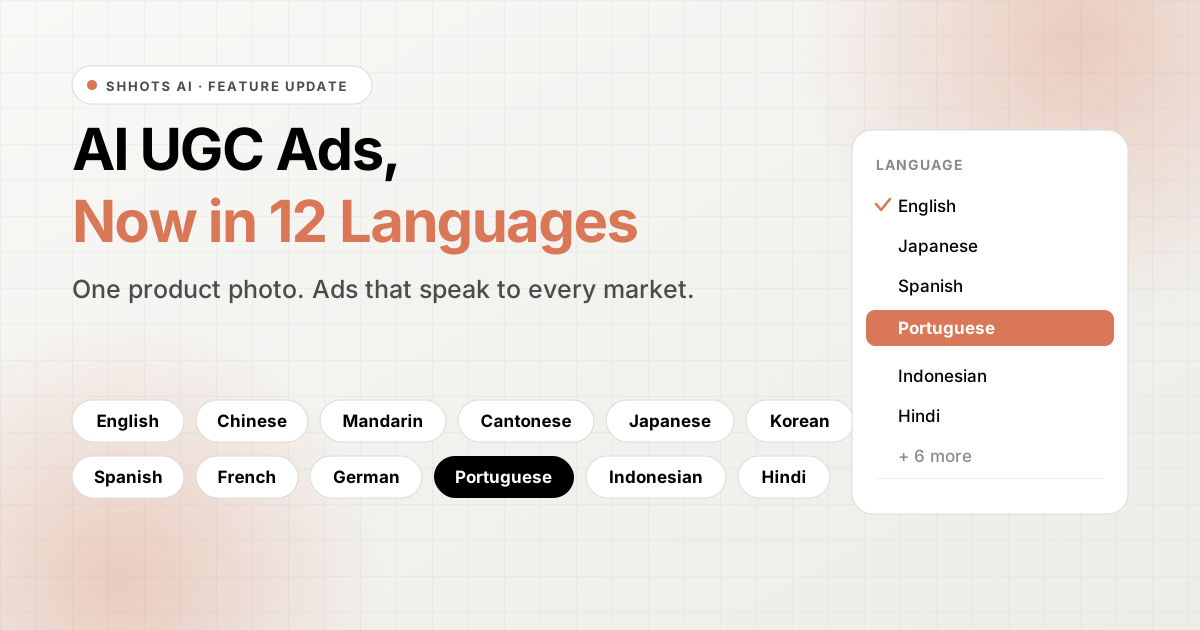
You can now generate AI UGC ads in 12 languages on Shhots AI. Pick a language before you generate, and your AI creator speaks it in the finished ad. The rest of the workflow stays exactly the same: one product photo in, a ready-to-run video ad out.
Here is the feature in action:
Table of Contents
- The 12 languages you can pick from
- Why languages matter for UGC ads
- How to generate a UGC ad in another language
- What this changes for your campaigns
- FAQ
The 12 languages you can pick from
The language selector now offers these 12 options:
- English
- Chinese
- Mandarin
- Cantonese
- Japanese
- Korean
- Spanish
- French
- German
- Portuguese
- Indonesian
- Hindi
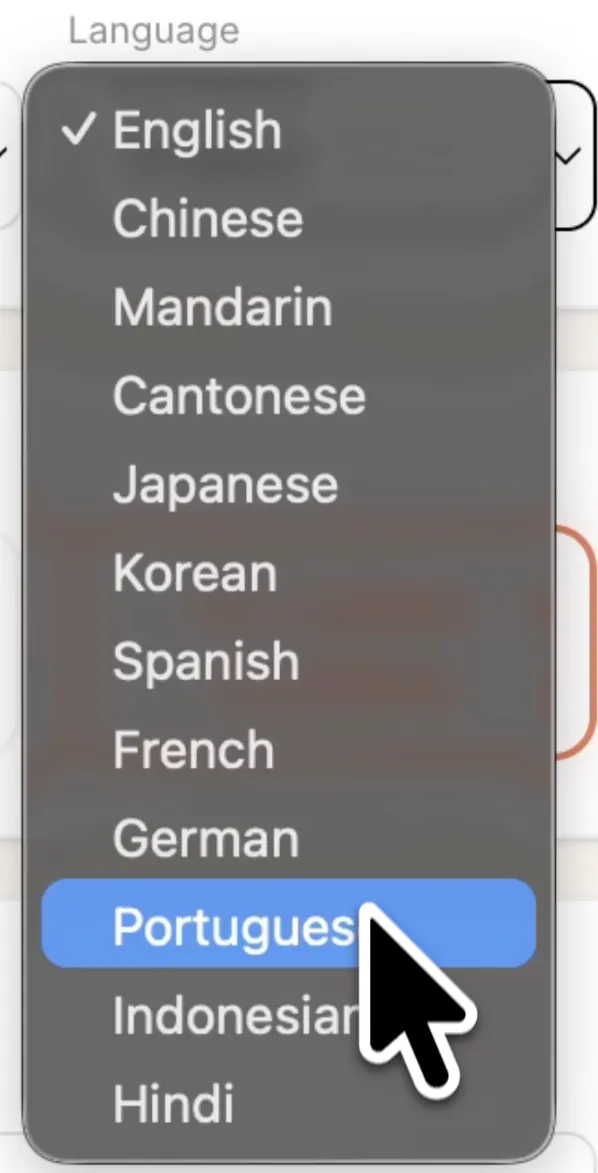
You will find the selector in the generation settings, right where you already pick your avatar, aspect ratio, and duration.
Why languages matter for UGC ads
UGC ads work because they feel like a real person talking about a product they like. That feeling breaks the moment the ad plays in the wrong language. A shopper in São Paulo scrolling past an English voiceover has to do extra work to connect with your product, and most will not.
Until now, running UGC ads in a new market meant finding, booking, and paying a creator who speaks the local language, then repeating that for every market you sell in. With this update, the same product photo that powers your English ads can power your Spanish, Portuguese, or Hindi ads too. Pick the language, generate, and the AI creator delivers the ad in it.
How to generate a UGC ad in another language
The flow is the same one you already use for AI UGC ads, with one extra choice:
- Upload your product photo to Shhots AI.
- Pick your avatar profile, aspect ratio, and duration.
- Open the Language dropdown and select one of the 12 languages.
- Hit generate.
The AI writes the script, adds the voice, builds the scene, and renders the finished video ad, the same way it does in English.
Want the same product advertised in several languages? Run a generation for each language you need. Each one produces a complete, standalone ad for that market.
What this changes for your campaigns
A few practical ways to put this to work:
- Test new markets cheaply. Before committing budget to a region, generate a handful of local-language UGC ads and see how they perform.
- Match your ad language to your store language. If your Shopify store serves Germany in German, your ads can finally sound like they belong to it.
- Localize your winners. Take the product and angle that already converts in one market and generate it fresh in the language of the next one.
Everything else about Shhots AI output still applies: videos are watermark-free, come with a full commercial license, and export in the aspect ratios TikTok, Reels, Facebook, and YouTube Shorts expect.
If you are new to UGC ads, start with our guide to the best AI UGC ad generators, or read how to scale campaigns with AI-generated ads once your first ones convert.
FAQ
Which languages does Shhots AI support for UGC ads?
Twelve languages: English, Chinese, Mandarin, Cantonese, Japanese, Korean, Spanish, French, German, Portuguese, Indonesian, and Hindi.
Where do I select the language?
In the generation settings, open the Language dropdown and pick the language you want before you hit generate. It sits alongside the avatar, aspect ratio, and duration options you already use.
Can I create the same ad in more than one language?
Yes. Generate the ad once per language. Each generation produces a complete video ad with the AI creator speaking the language you picked.
Do multilingual ads come with the same license?
Yes. Output is watermark-free and includes a full commercial license, whichever language you pick.
How do I get started?
Sign up at Shhots AI, upload a product photo, pick a language, and generate. Plans start at $19 per month, see pricing for details.