Disclosure: Shhots AI is our product.
AI podcast ads are live on Shhots AI. Pick your product photos, choose a studio, a camera setup, who is on the show and what they talk about, and Shhots writes the script and renders a 30-second video of two people discussing your product at a podcast desk. You never write a prompt.
A podcast ad costs 1,651 credits, about $13.48 on the $49 Pro plan. It is on every plan, Starter included. Start one in the app.
Four AI podcast ads from the generator
Each video below is a real 30-second Shhots podcast ad from launch week, built from product photos. Unmute for the audio.
Why we built a podcast ad generator
Scroll Reels, TikTok or YouTube Shorts for a minute and you will hit a podcast clip. Two people at microphones, a camera cut on every line, and a product that comes up because one of them uses it. Video podcasts are now a mainstream way to watch: YouTube alone counts more than 1 billion monthly viewers of podcast content (February 2025). The format has been performing well for brands running it as ads on Meta, TikTok and YouTube Shorts, and that is why we built it.
Until now that meant renting a studio, booking a host and a guest, and editing the multi-cam footage. Our AI UGC ads already put one creator on camera. Podcast ads add the second chair, the studio set and the cuts.
How to make an AI podcast ad
1. Pick your product
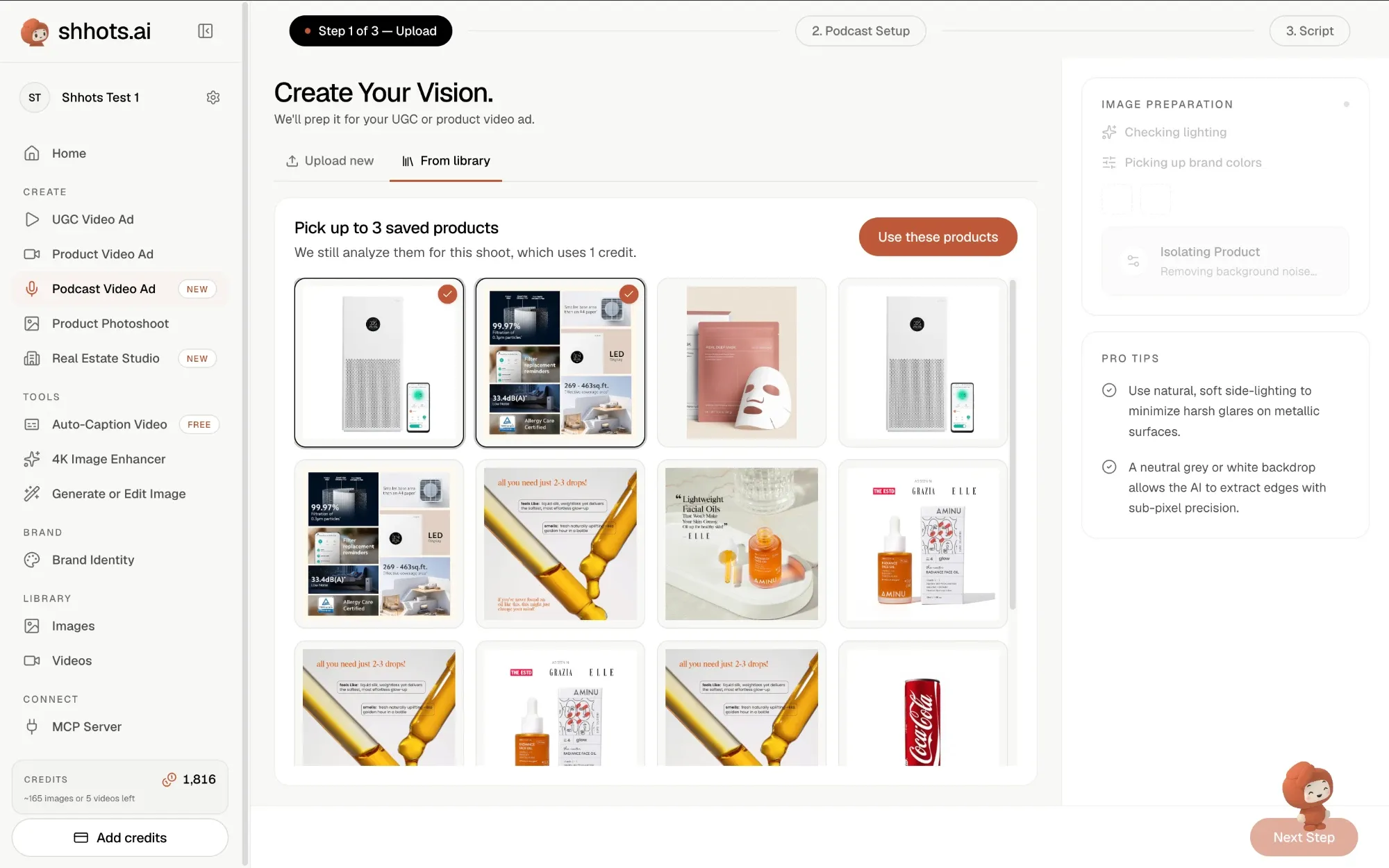
Upload new photos, or open From library and pick up to three saved products. Shhots checks each image for lighting and brand colours and isolates the product for the shoot. Analysis costs 1 credit per image.
2. Set up the show
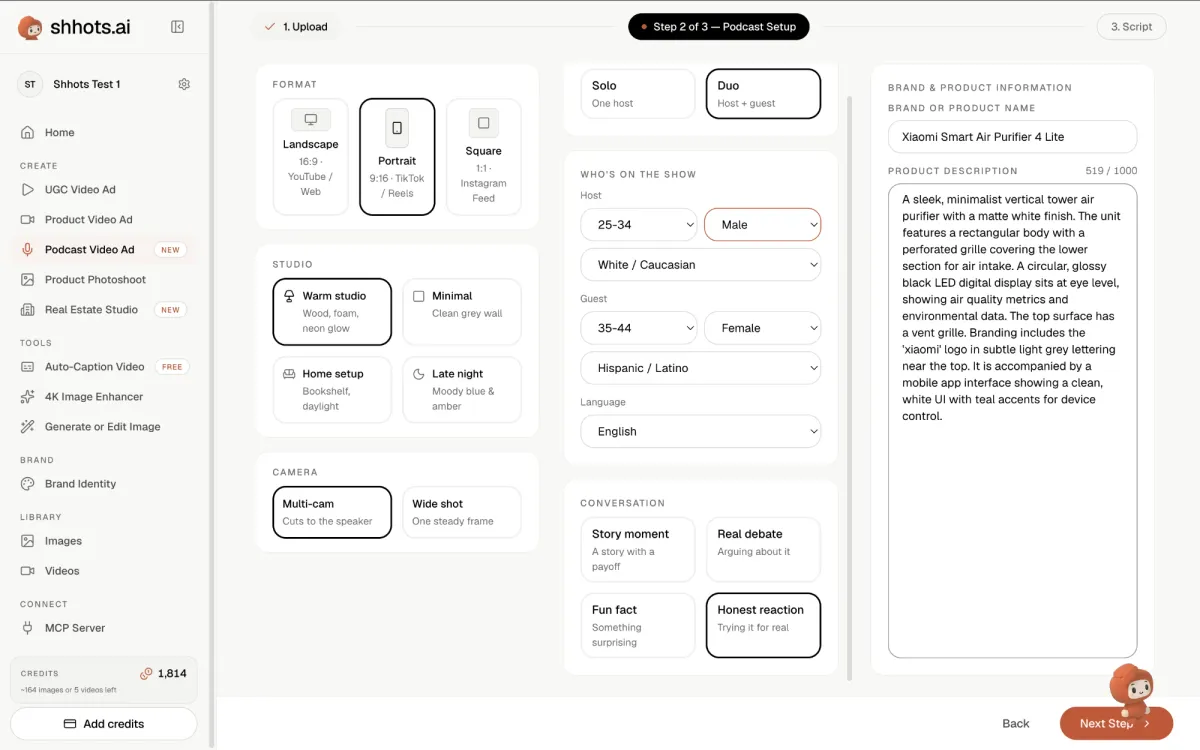
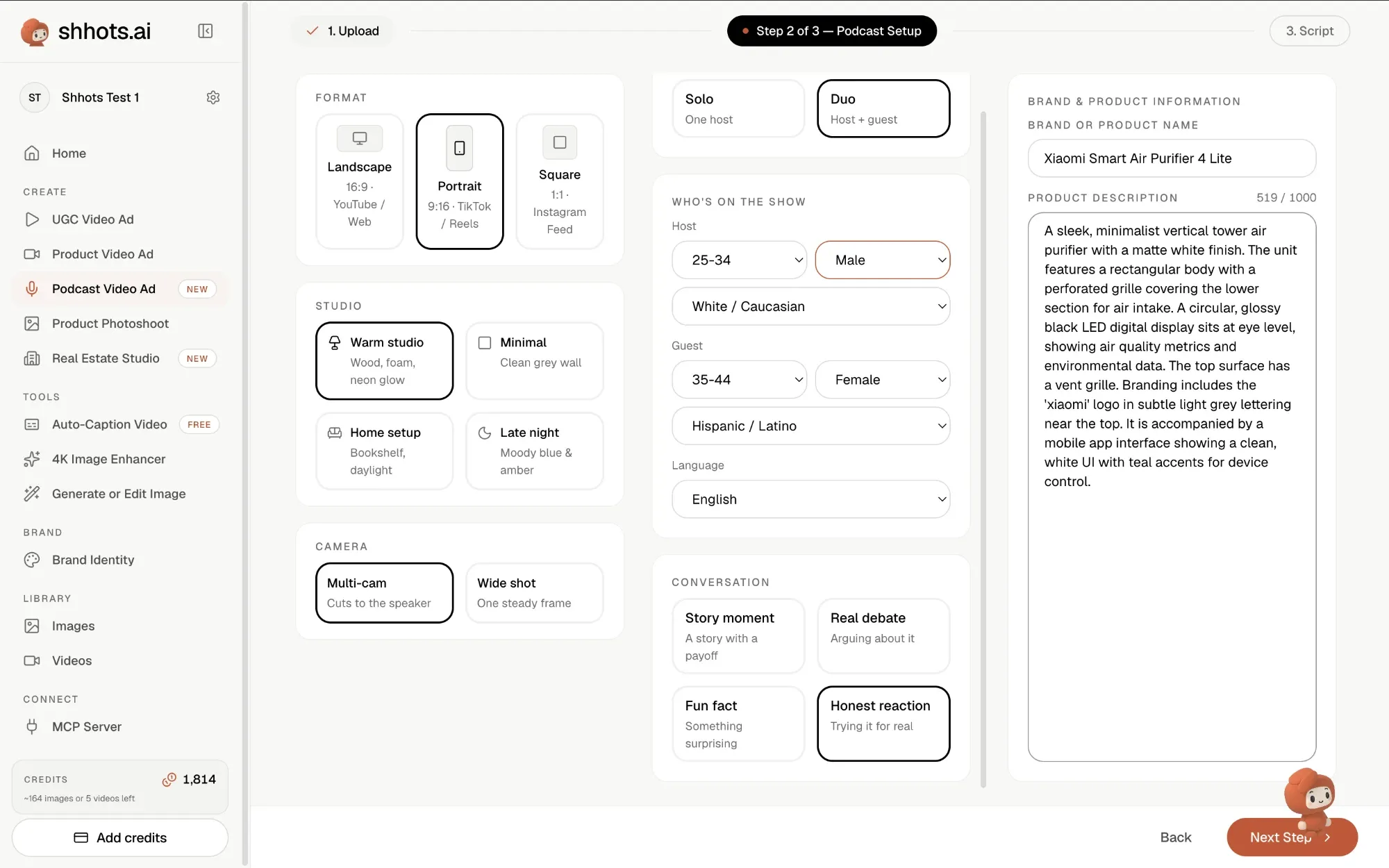
Every choice sits on one screen and takes one click: format, studio, camera, hosts, who is on the show, language and conversation type. The full list is in the table below. The brand or product name and a product description come pre-filled from the photo analysis, and you can edit both.
3. Edit the script
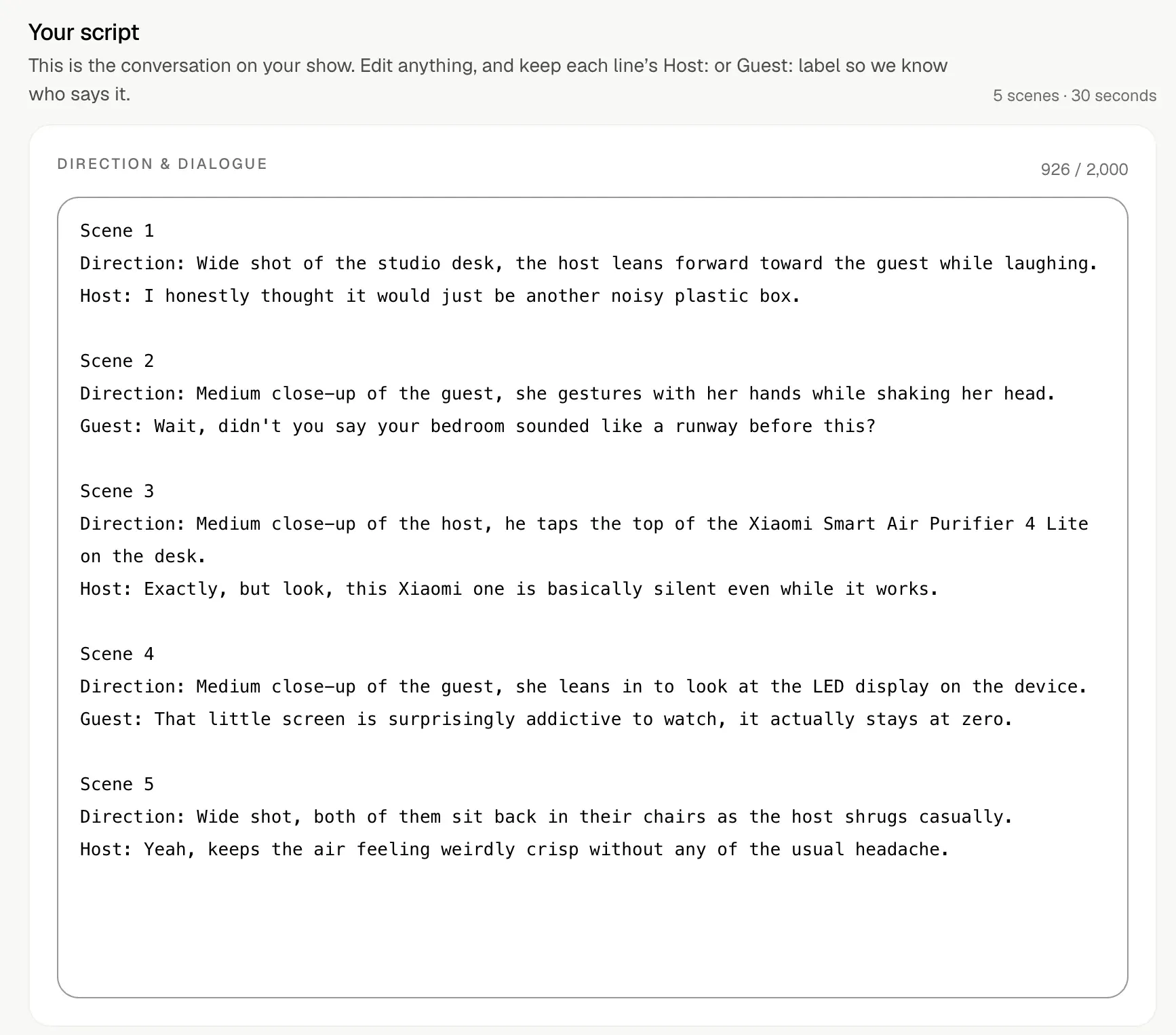
Shhots writes five scenes for the 30 seconds. Each scene has a camera direction and one line for the host or the guest. Rewrite any line, up to 2,000 characters in total, and keep the Host: or Guest: label at the start so the right person says it.
In the script below, the Honest reaction angle opens with the host saying “I honestly thought it would just be another noisy plastic box.” Over the next four scenes the guest teases him about his loud bedroom, he taps the purifier on the desk, and they land on how quiet it runs.
4. Generate, then add captions
Generate renders the 30-second video. When it finishes, hover the video and click Add Captions to open it in the video caption generator and burn in subtitles before you post.
Every podcast ad control
| Control | Options |
|---|---|
| Format | Landscape 16:9 (YouTube, web), Portrait 9:16 (TikTok, Reels, Shorts), Square 1:1 (Instagram feed) |
| Studio | Warm studio (wood, foam, neon glow), Minimal (clean grey wall), Home setup (bookshelf, daylight), Late night (moody blue and amber) |
| Camera | Multi-cam (cuts to the speaker), Wide shot (one steady frame) |
| Hosts | Solo (one host), Duo (host and guest) |
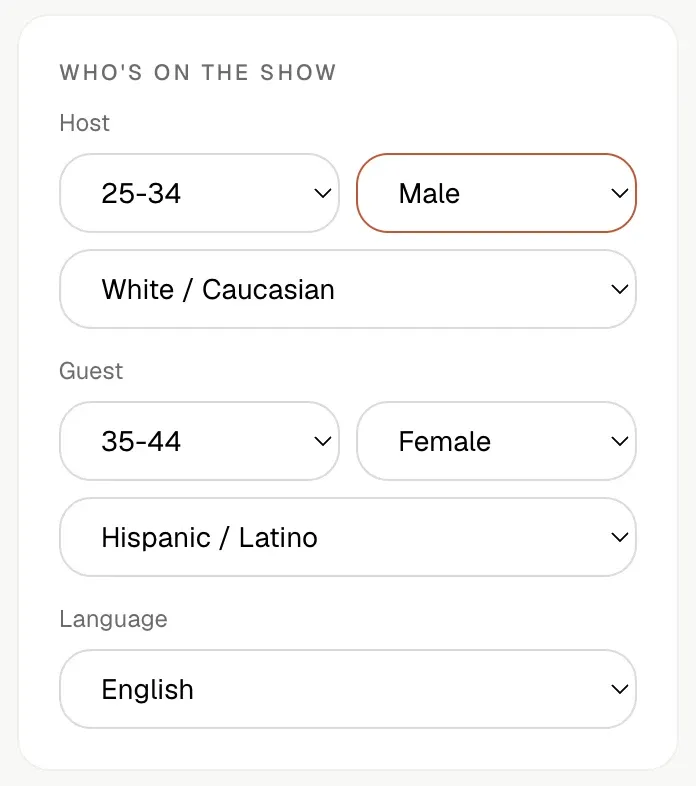
| Who’s on the show | Age 18-24, 25-34 or 35-44; female, male or non-binary; 10 ethnicities. Set separately for host and guest |
| Language | 12: English, Chinese, Mandarin, Cantonese, Japanese, Korean, Spanish, French, German, Portuguese, Indonesian, Hindi |
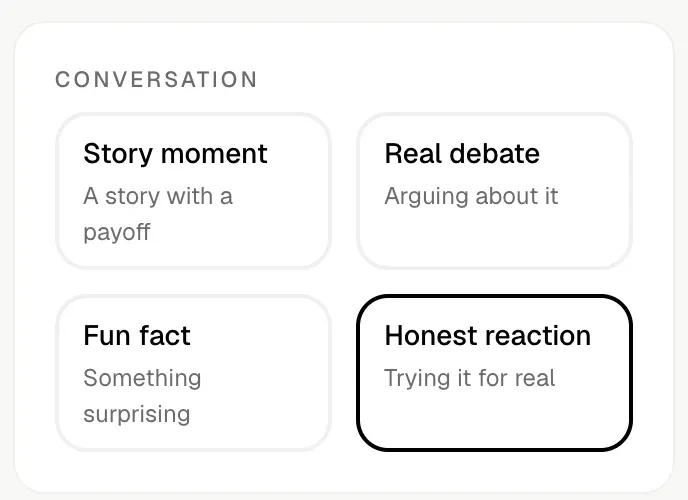
| Conversation | Story moment (a story with a payoff), Real debate (arguing about it), Fun fact (something surprising), Honest reaction (trying it for real) |
| Length | 30 seconds, five scenes |
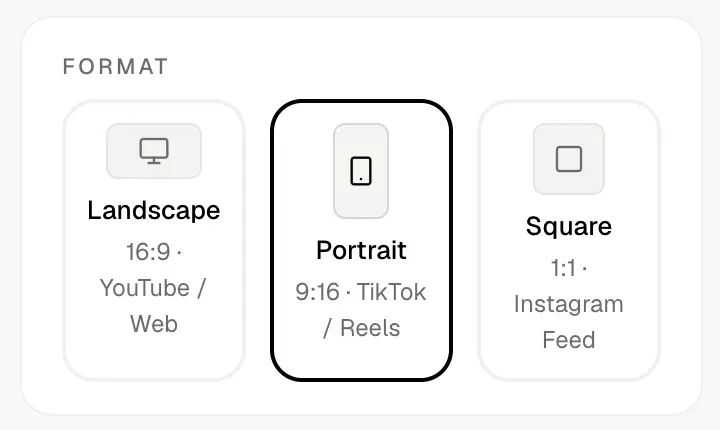
Format: 16:9, 9:16 or 1:1
Pick the aspect ratio first, because the ad is rendered in it. Portrait 9:16 is for TikTok, Instagram Reels and YouTube Shorts. Square 1:1 is for the Instagram and Facebook feed. Landscape 16:9 is for YouTube in-stream and your website. One generation gives one format, so run the same setup again when you need a second placement.
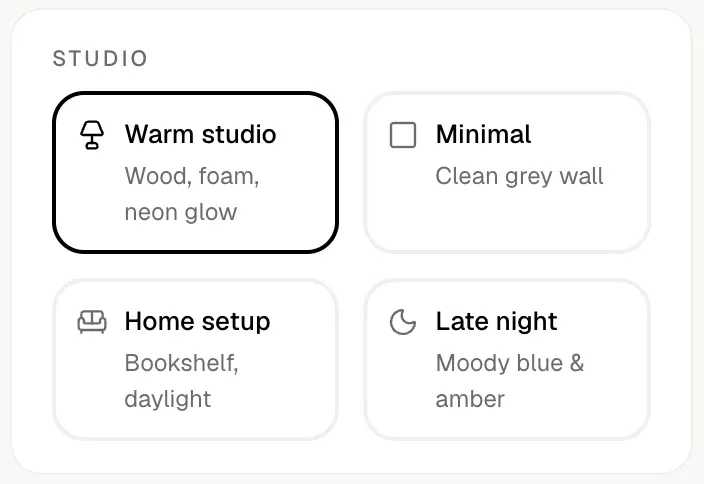
Studio: four podcast sets
- Warm studio: wood panels, acoustic foam and a neon glow. The default, and the look most people picture when they hear “video podcast”.
- Minimal: a clean grey wall with nothing behind the hosts, so the product is the only thing to look at.
- Home setup: a bookshelf and daylight, closer to a creator recording at home than a produced show.
- Late night: moody blue and amber light, for brands that want a late-show mood.
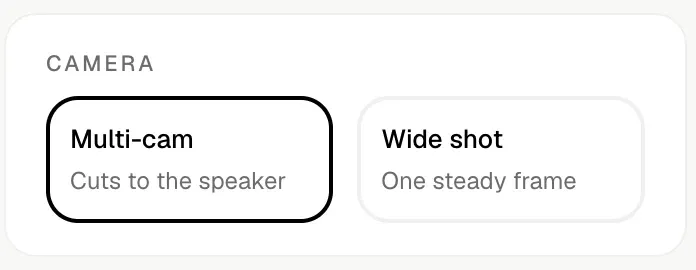
Camera: multi-cam or wide shot
Multi-cam cuts to whoever is speaking, the way most podcast clips on social are edited. It is the default. Wide shot holds one steady frame on the desk, so both hosts and the product stay in view for all 30 seconds. Pick the wide shot when the product has to stay on screen the whole time.
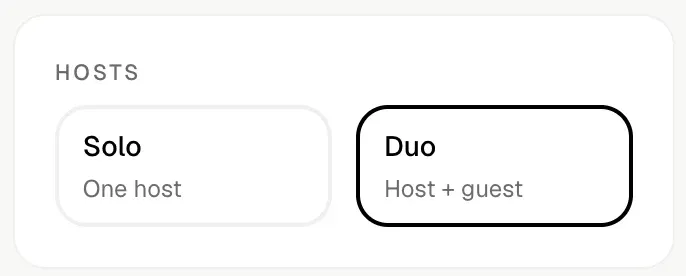
Hosts: solo or duo
Duo puts a host and a guest at the desk, trading lines. It is the default. Solo casts one host who talks about the product alone, and the guest settings drop away. Duo suits debates and reactions. Solo suits a single expert voice.
Who’s on the show: age, gender, ethnicity and language
The host and the guest are cast separately. Each gets an age range (18-24, 25-34 or 35-44), a gender (female, male or non-binary) and an ethnicity from ten options: Indian, South Asian (non-Indian), East Asian, Southeast Asian, Middle Eastern, Black / African, White / Caucasian, Hispanic / Latino, Indigenous and Mixed. One language applies to the whole show, picked from twelve.
Shhots pre-fills the host and the language from your product analysis. It starts the guest at 35-44, with the opposite gender to the host. Change any of them to match the buyer you are selling to.
Conversation: four ways to talk about the product
Pick the angle your hosts take on the product. Shhots writes all five scenes from it:
- Story moment: a story with a payoff. Fits products with a clear before and after, like skincare, sleep aids or a kitchen gadget.
- Real debate: the hosts argue about it. Fits a claim people doubt, like a supplement’s benefit or a price that looks too low.
- Fun fact: something surprising about how the product works or what is in it. Fits ingredient-led and tech products.
- Honest reaction: trying it for real, first impressions on camera. It is the default, and the air purifier script in step 3 uses it.
The defaults are Duo, Warm studio, Multi-cam and Honest reaction, so you can go straight to the script if you just want to see one.
What does an AI podcast ad cost?
A 30-second podcast ad costs 1,651 credits, the same as a 30-second AI UGC ad. Photo analysis adds 1 credit per image. Prices as of September 2026:
| Plan | Price | Credits | Podcast ads a month | Cost per ad |
|---|---|---|---|---|
| Starter | $19/mo | 2,000 | 1 | $15.68 |
| Pro | $49/mo | 6,000 | 3 | $13.48 |
| Scale | $99/mo | 12,000 | 7 | $13.62 |
Credits you don’t spend on podcast ads work on every other tool: an image ad is 11 credits and a 10-second UGC ad is 551. Exports carry no watermark on any plan. Compare plans on pricing.
Podcast, UGC or cinematic: which format to use
| Podcast ad | UGC ad | Cinematic ad | |
|---|---|---|---|
| People on screen | 1 host, or host and guest | 1 creator | None |
| Lengths | 30s | 10, 15 or 30s | 10, 15 or 30s |
| Credits for 30s | 1,651 | 1,651 | 1,677 |
| Where to start | App | AI UGC ads | AI video generator |
A simple rule: use the podcast format when the product needs someone to argue for it, like a supplement, a skincare routine or a gadget with a claim to prove. Use 10-second UGC ads when you want to test many hooks cheaply, animated ads for products that are hard to film, and cinematic ads when the product sells on looks.
AI podcast ads FAQ
What is an AI podcast ad?
A short video ad in the style of a podcast clip: one or two AI-generated people at microphones in a studio, talking about your product. Shhots makes them 30 seconds long from your product photos.
Is Shhots an AI podcast video generator?
For ads, yes. It makes 30-second podcast-style video ads about a product. It does not make full podcast episodes or turn an audio recording into a video.
Do I need to write a prompt?
No. You pick options on one screen and Shhots writes the script. Editing that script is optional.
Can I use my own script?
Yes. Replace the generated lines with your own and keep Host: or Guest: at the start of each line. The script box holds up to 2,000 characters.
Can a podcast ad have just one host?
Yes. Pick Solo instead of Duo and the guest settings drop away.
Which aspect ratio should I use for Meta, TikTok and YouTube Shorts?
Portrait 9:16 for TikTok, Reels and YouTube Shorts, which is what TikTok’s in-feed ad specs and Google’s Shorts ad guidance recommend. Square 1:1 for Instagram and Facebook feed placements, per Meta’s aspect ratio guidance. Landscape 16:9 for YouTube in-stream and websites.
Which languages do AI podcast ads support?
Twelve: English, Chinese, Mandarin, Cantonese, Japanese, Korean, Spanish, French, German, Portuguese, Indonesian and Hindi.
Can I add captions to a podcast ad?
Yes. Click Add Captions on the finished video to open it in the video caption generator and burn in subtitles.
How much does an AI podcast ad cost?
1,651 credits for a 30-second ad, about $13.48 on Pro ($49/mo for 6,000 credits) or $15.68 on Starter ($19/mo for 2,000 credits), as of September 2026.
Next step
Open the podcast setup in the app, pick a product from your library, and keep the defaults for your first one: make a podcast ad.